Create an online fundraiser
Creating an online fundraiser has never been easier with our template. Simply create your fundraising page, set your goal and rally support from friends, family and colleagues!
You can direct the funds raised to a service of your choice or to where it is needed most. Just follow the steps below.

How to get started
Create account
1. Create an account in our fundraising platform
2. Agree to our Terms and Conditions.
Simply click on Get Started below.
Edit your page
1. Give your online fundraiser a title
2. Add a profile photo
3. Set your target
Personalise your message (i.e. why have you chosen to raise money for WMQ?)
Share your page
Share your page and ask family, friends, and work colleagues for support.
With the blog feature, you can post messages as often as you wish to share your story.
Examples
Ideas for online fundraising campaign to inspire your efforts:
- Donations in lieu of a present – for birthdays, anniversaries, weddings.
- Challenge yourself – do a fitness, shave your head, off-the-screens or no sweets challenge.
- Hour of Power – challenge your family and friends to raise as much as possible in a 60-minute period.
- In memory – celebrate a loved one that is no longer with us on a date that is significant to them.
- Live online event – If you’re in a band, a comedian or a magician, host a live event and charge and admission fee to join.
Inspiring stories
Instead of exchanging Christmas gifts, Rosemary’s family decided to donate to Wesley Mission Queensland, spreading kindness to people in need over the festive season.

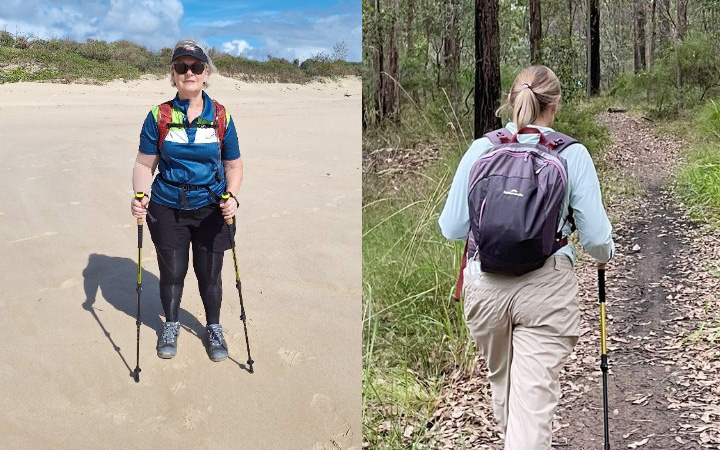
How Sue and Janelle used WMQ's blog feature in their fundraiser page to support The ORCA Project.
We’d love to support your fundraising journey
Reach our Fundraising team on 07 3621 4365 or get in touch via the form below. Alternatively, call the WMQ main line on 1800 448 448 and ask to be transferred to Fundraising.