How to fundraise online with WMQ
Learn how to add your personal touch to your fundraising webpage, including replacing the page banner, adding blog posts and even cash donations.
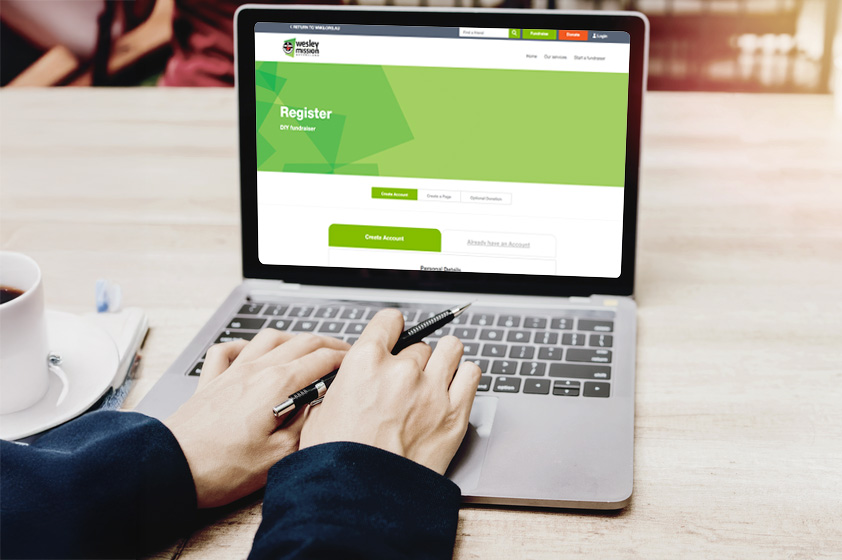
Personalization options
Creating your fundraising webpage is easy! Simply register here, accept our T&Cs and personalise your page!
- Click on thumbnail images to enlarge
- Click on links to learn what customization options are available via our DIY template
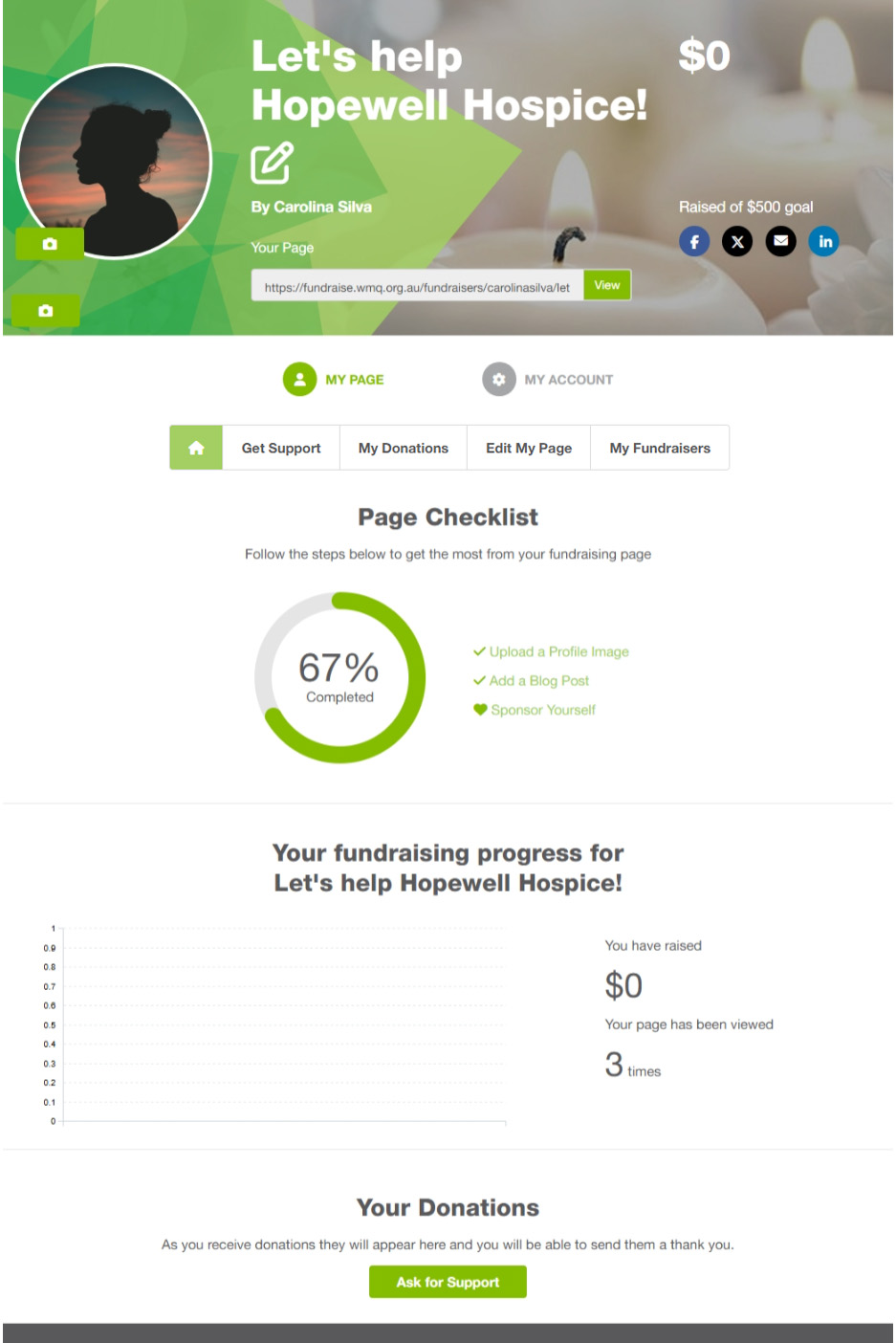
- Page checklist
- Fundraising overview
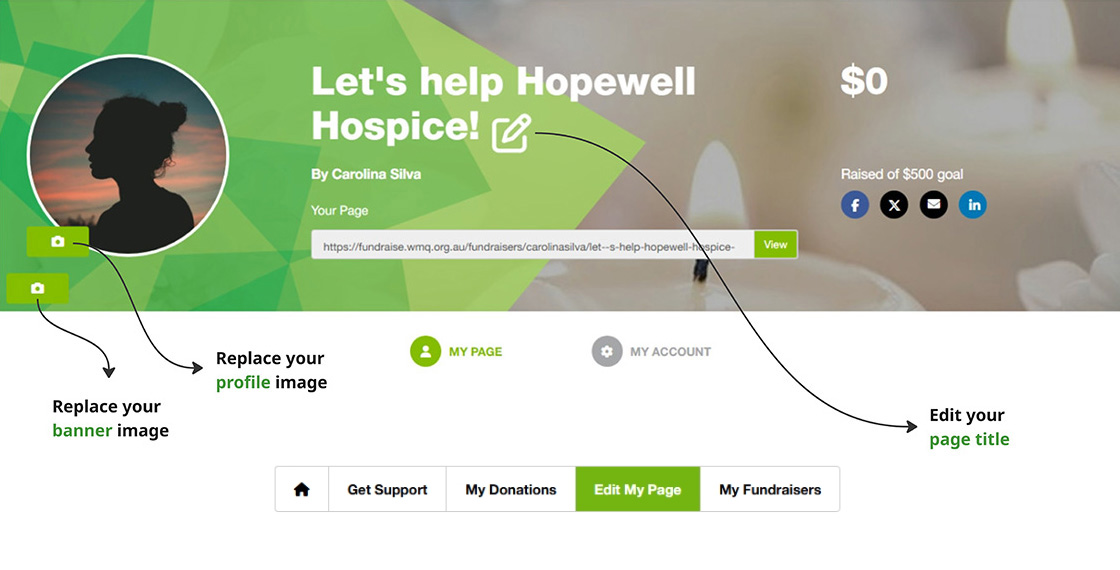
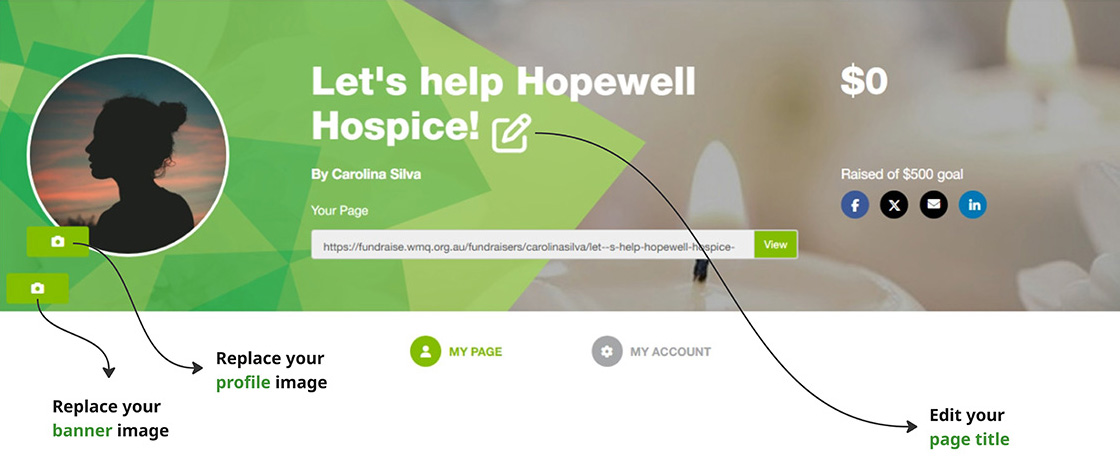
Editing the main banner:
- Add/edit the page title
- Add/edit your profile picture
- Add/edit the main page banner
Editing the page content:
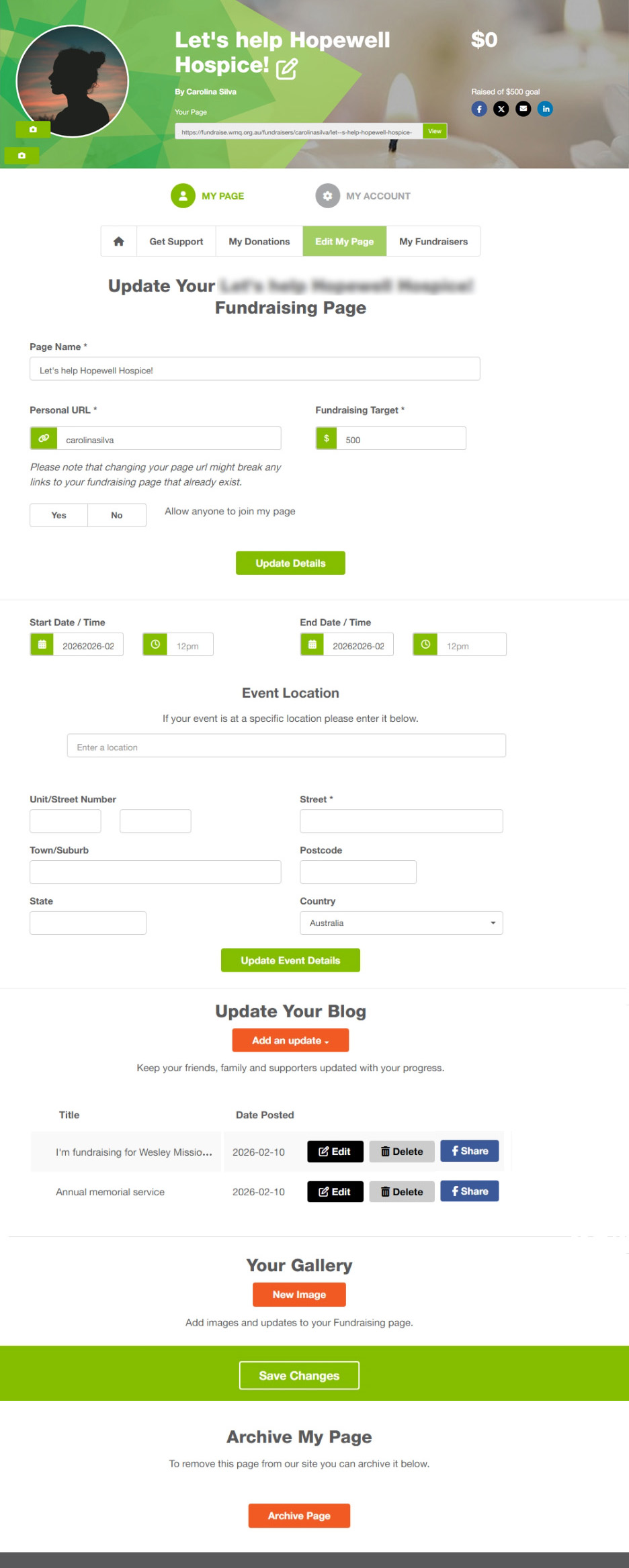
- Edit page message by adding your personal touch
(ie. Why you are fundraising for WMQ or the service you chose) - If you have a physical event, add date, time and location
- Add blog posts so your friends, families and work colleagues can follow your journey
- Add an image gallery
- Archive your page
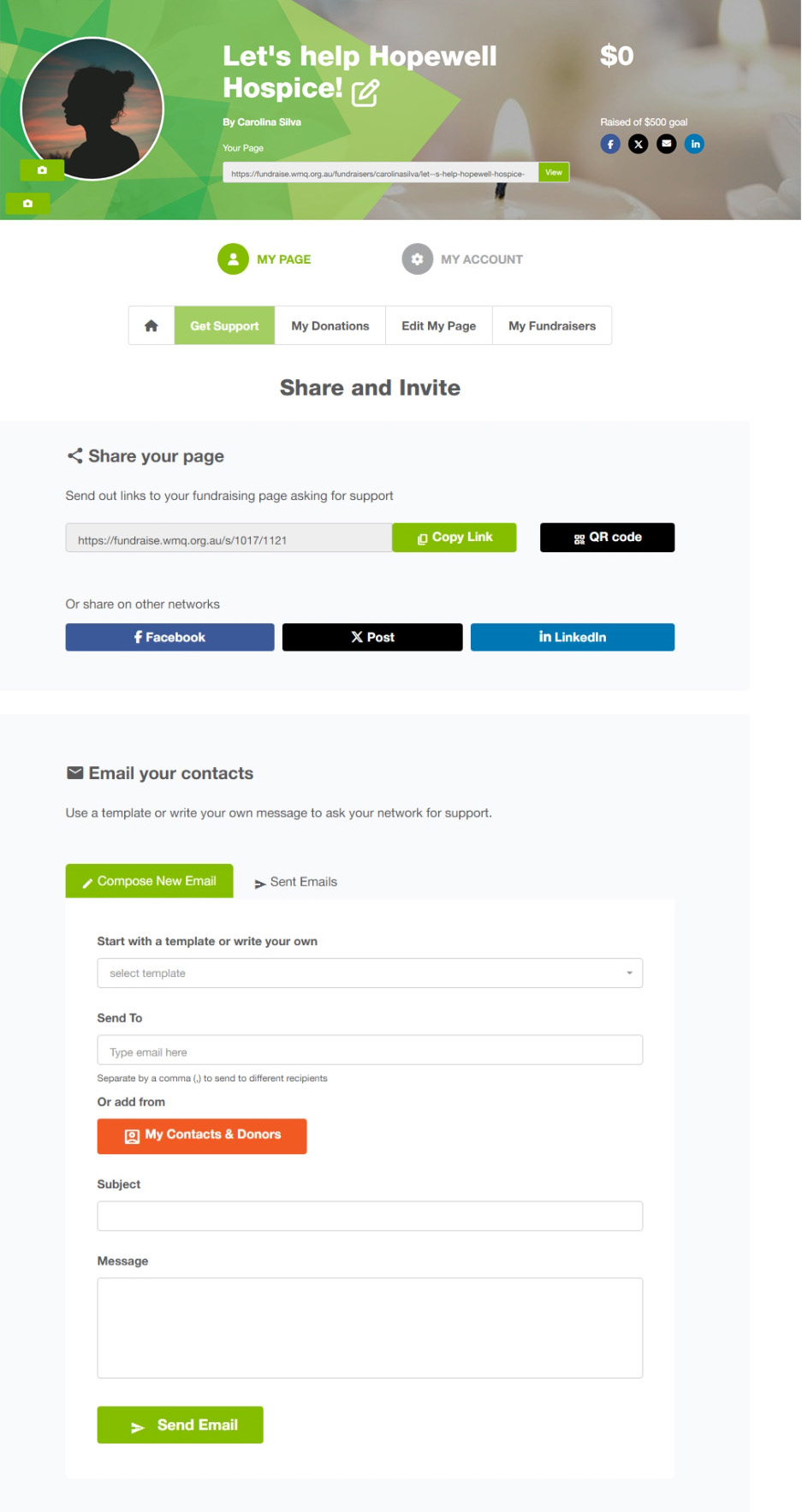
- Get links to share your page on socials
- Add contacts or upload contact listo to send emails and engage them
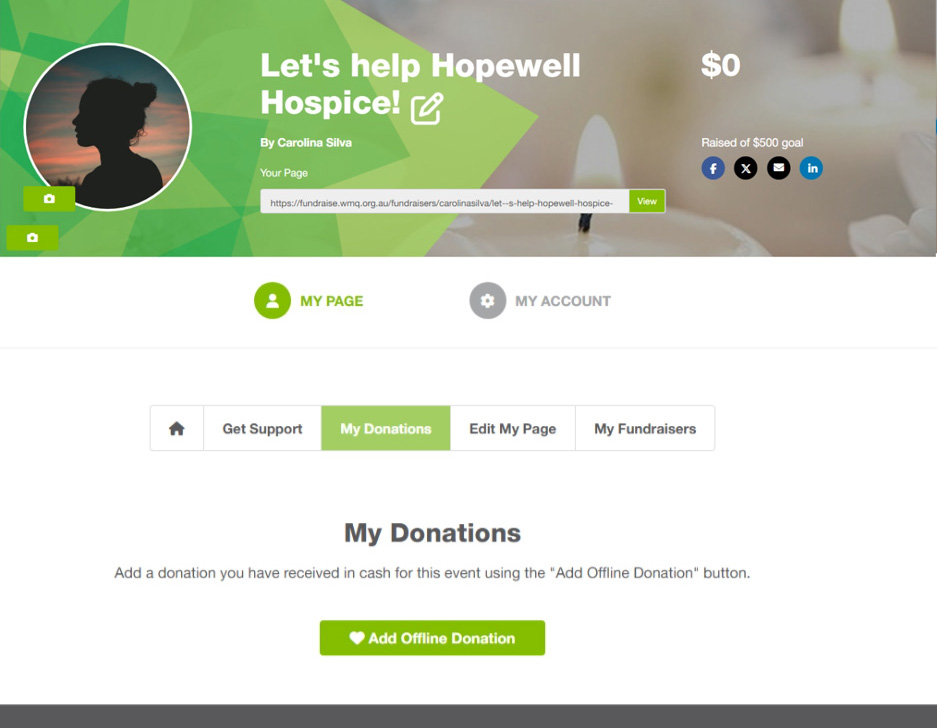
- Add a donation you have received in cash
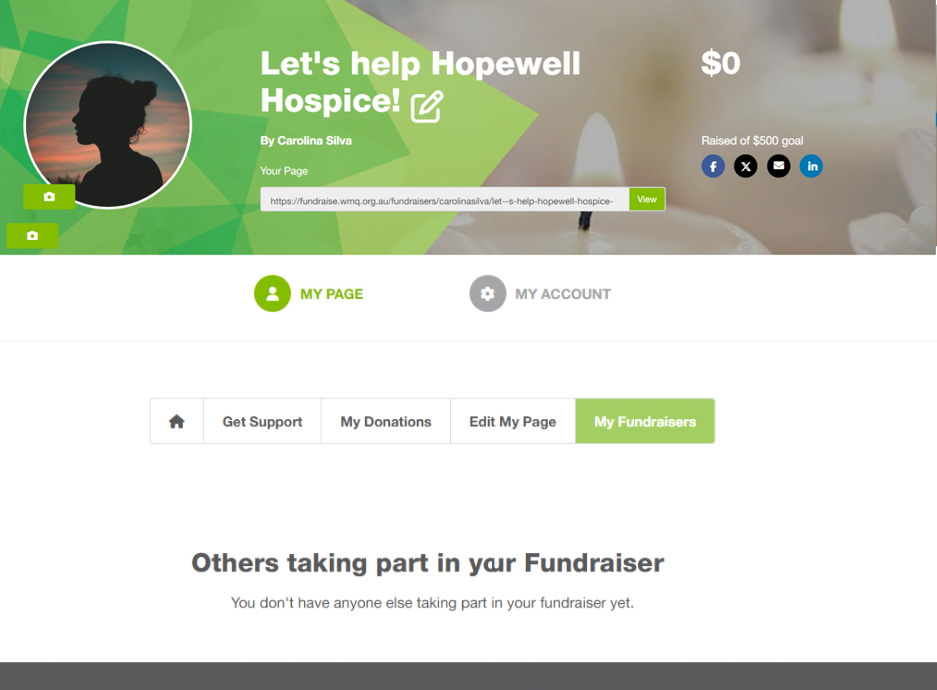
- View who joined your page
We’d love to support your fundraising journey
Reach our Fundraising team on 07 3621 4365 or get in touch via the form below. Alternatively, call the WMQ main line on 1800 448 448 and ask to be transferred to Fundraising.